Mergers & Acquisitions

One data room for the entire transaction

From NDA to closing: docurex® brings all parties to an M&A transaction together in one data room – with separate views, structured Q&A and an audit trail that stands up even after closing.

Discover the benefits

✓ ISO 27001 certified     ✓ Hosted in Germany     ✓ In use for over 20 years
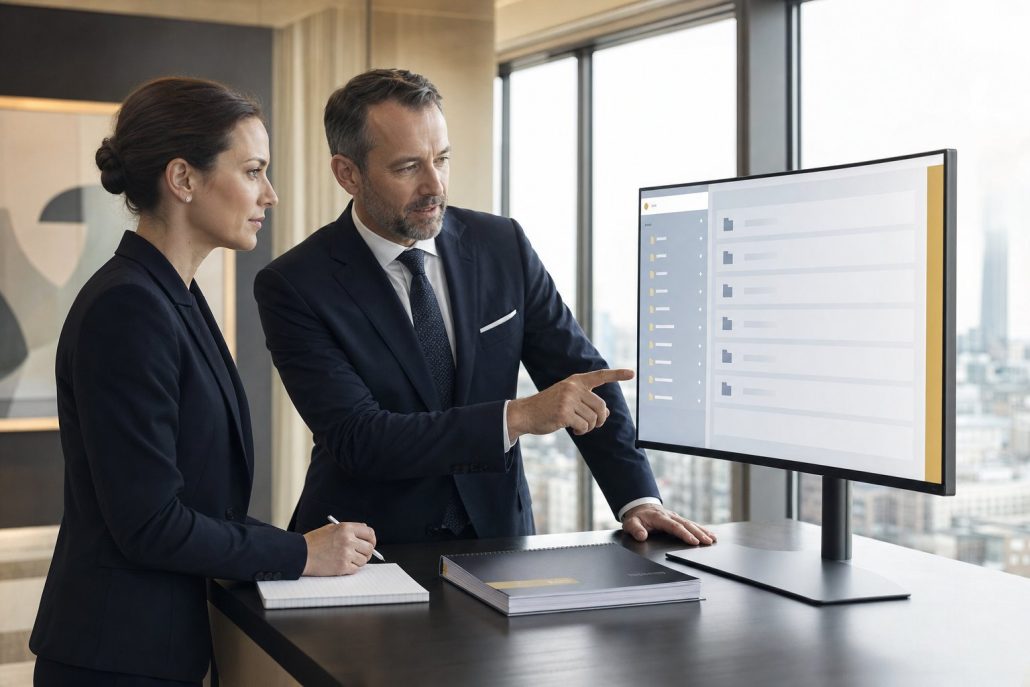
Two M&A advisers review the structure of the docurex® data room for a transaction on screen
5.000+

transactions supported

500+

Companies trust docurex®

20 years

of data room experience

ISO 27001

certified

Your benefits

What sets an M&A transaction apart from simple document sharing

Multiple parties, competing interests, a tight timetable – and in the end it must be provable who saw what.

▣
One data room for every phase
From the first document review to closing in the same system – without switching between tools.
◉
Multiple bidders, separate views
Each party sees exactly what has been released to them – even when competitors are in the same process.
⚑
Structured Q&A
Bidders’ questions go through the Q&A module in an orderly way rather than through mailboxes – with an owner and a status for each.
✔︎
Complete audit trail
Every access is recorded in a tamper-proof log – reliable evidence even in a later dispute.
⚡︎
AI-assisted review
Summaries, document comparison and data extraction take the legwork out of the review.
⌂
Hosted in Germany
ISO 27001-certified data centres, GDPR-compliant, no data transfer abroad.
A transaction lead works through bidders’ questions in the Q&A module of the docurex® data room on screen
Process

The seven steps of an M&A transaction

The usual path from target company to transfer of ownership – and where the data room comes in.

1

Target selection and approach
The target company is identified and approached – internally or through an M&A adviser.

2

NDA and letter of intent
The confidentiality agreement and letter of intent create the basis for exchanging sensitive documents.

3

Due diligence review
The careful examination of the target company – financial, legal, operational and tax. This is where the data room runs hot.

4

Structuring the transaction
Based on the review findings, the transaction is structured – share deal, asset deal or carve-out.

5

Valuation and price negotiation
The final company valuation and the negotiation of the purchase price.

6

Signing and filing
Signing and, where required, filing with the competent competition authority.

7

Closing and transfer of ownership
Once clearance is given and payment is made, ownership passes – the data room provides the record of the entire process.
In the data room

What docurex® delivers in the three critical phases

Steps 2 to 7 take place in the data room – in three stages with very different requirements.

Phase 01
Preparation
Documents are uploaded in a clear structure, confidential passages are redacted and permissions are set up for each party – before the first bidder gets access.
StructureRedactionPermissions
Phase 02
Bidding phase and due diligence
Several parties work at the same time, separately from one another. Questions go through the Q&A module, and the access records show you who is serious.
Parallel accessQ&AEvaluation
Phase 03
Signing and closing
The final versions are held under version control, the audit trail documents the entire process, and the documents can be exported for the archive.
VersioningAudit trailExport
Confidentiality

When competitors are in the same process

In a bidding process, the way permissions are assigned decides what each party gets to see – and what it does not.

◉
Separate views for each party
For every user and every document, you decide who may read, download or print – down to folder level.
◆
Protected document viewing
The viewer is view-only software; if you wish, content can be neither downloaded nor printed.
⚑
Watermarks and two-factor login
On request, every PDF carries a configurable watermark and every login a second layer of security.
✔︎
Tamper-proof logging
Every access and every change is recorded immutably – traceable even years after closing.
Two decision-makers review transaction documents in the evening, with the Frankfurt skyline in the background
FAQ

Frequently asked questions

What we are asked most often before a transaction.

How does an M&A data room differ from cloud storage?

Cloud storage shares files; a data room manages a process. The difference lies in permissions down to document level, protected viewing without download, a structured question-and-answer procedure and, above all, tamper-proof logging: years later, you can show which party viewed which document and when. Cloud storage cannot do that.

Can several bidders work at the same time without knowing about one another?

Yes. You create a separate view for each party and decide per folder and document what is visible. Bidders see neither the other participants nor their activity. You, on the other hand, see everything – including how intensively a party is working with which documents.

How does the Q&A process work?

Bidders’ questions arrive in the data room rather than in scattered mailboxes. Each question can be assigned to an owner, tracked by status and answered once approved – either for the asking party alone or for all participants. The Q&A module is included from the Enterprise edition.

What happens to the data room after closing?

At the end of the transaction, the documents can be exported and archived in full, so the position at closing remains documented. We agree with you how long the data room stays available beyond that – it often remains in place for the post-merger phase.

How quickly is a data room ready for use?

We activate a trial at short notice, usually on the same working day. For a live data room, we set up the structure, users and permissions together with you; how long that takes depends mainly on how well organised your documents already are.

Get started

See the data room at work on your current transaction.

20 minutes on screen, no sales pitch. If you wish, we will set up a trial for you afterwards.